Plume for Twitter6.30.18
Publisher Description
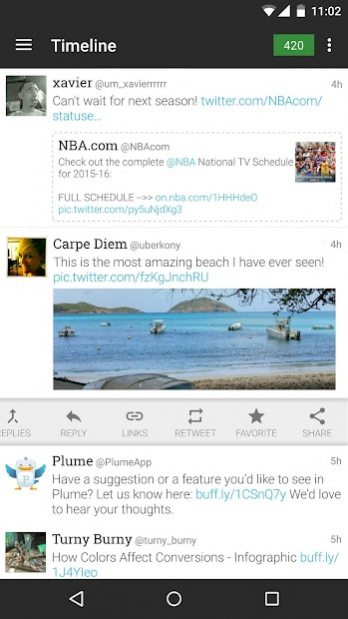
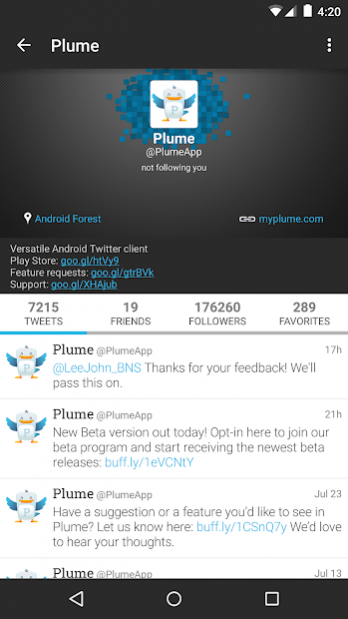
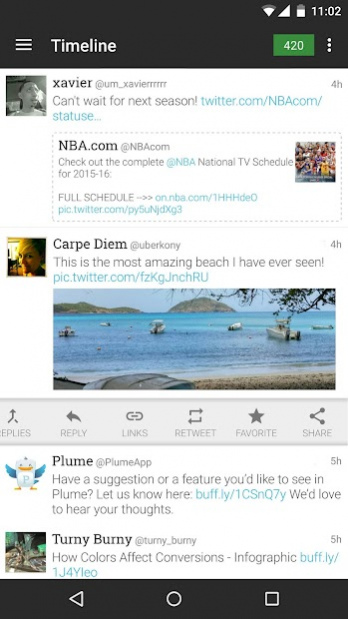
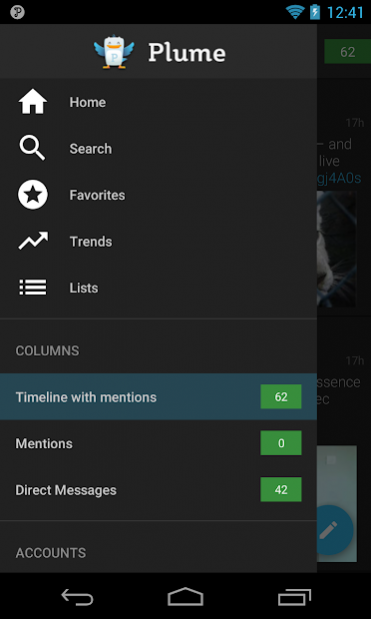
Plume is a beautiful and completely customizable Twitter app that will revolutionize the way you use Twitter! Brought to you by the authors of the popular Beautiful Widgets, Plume is one of the best Twitter clients for Android! (Plume was formerly known as Touiteur)
- Colorize your timeline/friends from Twitter
- Multiple twitter accounts support
- Scrollable widgets to display your twitter timeline on your home
- Lockscreen widget (Android 4.2+)
- Mute Twitter users, word or applications
- Share Tweets to Facebook
- Live Streaming in app
- Picture preview in timeline, large view of images with pinch to zoom
- Twitter geotagging
- Swipe scrolling
- Very customizable
- Internal browser
- Autocomplete twitter hashtags and username
- Share photo with Twitter, Twitpic, YFrog, Mobypicture, MyPict.me
- Bit.ly support for your URLs
- Inline twitter conversation
- Display replies to a tweet
- Display twitter profiles
- Pull to refresh
- a lot more!
Plume is a beautiful, highly customizable Twitter client, which will change the way you feel about Twitter!
About Plume for Twitter
The company that develops Plume for Twitter is UberMedia Inc.. The latest version released by its developer is 6.30.18. This app was rated by 1 users of our site and has an average rating of 3.0.
To install Plume for Twitter on your Android device, just click the green Continue To App button above to start the installation process. The app is listed on our website since 2022-04-29 and was downloaded 50 times. We have already checked if the download link is safe, however for your own protection we recommend that you scan the downloaded app with your antivirus. Your antivirus may detect the Plume for Twitter as malware as malware if the download link to com.levelup.touiteur is broken.
How to install Plume for Twitter on your Android device:
- Click on the Continue To App button on our website. This will redirect you to Google Play.
- Once the Plume for Twitter is shown in the Google Play listing of your Android device, you can start its download and installation. Tap on the Install button located below the search bar and to the right of the app icon.
- A pop-up window with the permissions required by Plume for Twitter will be shown. Click on Accept to continue the process.
- Plume for Twitter will be downloaded onto your device, displaying a progress. Once the download completes, the installation will start and you'll get a notification after the installation is finished.
Program Details
System requirements
Download information
Pricing
Version History
version 6.30.18
posted on 2022-04-29
- Improvements
- Bug fixes
- Changes for improved stability
version 6.30.18
posted on 2022-04-29
- Improvements
- Bug fixes
- Changes for improved stability
version 6.30.17
posted on 2022-03-10
- Stability improvements
- Fixed minor issues
version 6.30.15
posted on 2021-10-29
Fixed issue to stabilize the app;
Fixed issue allowing the ability to watch YouTube videos;
Fixed issue allowing the ability to take a picture.
version
posted on 2019-12-09
- Added ability to to attach media to the quoted Tweets
- Fixed issue with Media files in Replies
- Fixed issue with Timeline jumping after refresh
- Fixed issue with no Replies in retweets
- Fixed issue with missing Replies
- Stability improvements
version
posted on 2019-11-29
- Play video option inside composer
- Images counter for quoted Tweets
- Share tweet via DM feature
- Font settings improvements
- Added "Checkbox Open to Tweet" feature
- Added fast scroll for timeline
- Crash and bugfixes
version 1,000,000+
posted on 2019-08-16
- Notification Updates & Improvements
- Corrected scrolling issues on Profile screen
- Additional bug fixes to improve performance
version
posted on 2016-12-02
6.25 - 14 Nov 2016,- detecting unread DMs fixed,- improved avatars loading in widgets,- image previews in landscapre orientation(tablets) fixed,- various fixes for url shortening services,- several crashes fixed
version 2.20
posted on 2011-04-19
Several fixes and updates
